
Creating for YouTube just isn’t the same as it was a few years ago. Everything keeps changing—trends, algorithms, what audiences want and, honestly, most creators are still stuck burning hours on scripts, voiceovers, endless editing, thumbnail design, or trying to come up with the next big idea.
But here’s a secret: the YouTubers who are really levelling up are the ones who use AI to handle the boring, repetitive stuff so they can focus on making better videos and growing their channels.
Bottom line: AI isn’t going to replace you, but if you use it right, you’ll leap past the folks who don’t.
Doesn’t matter if you’re always on camera, run a faceless channel, make tutorials, or create for your business—these tools will make your life easier less grunt work, better videos, more time.
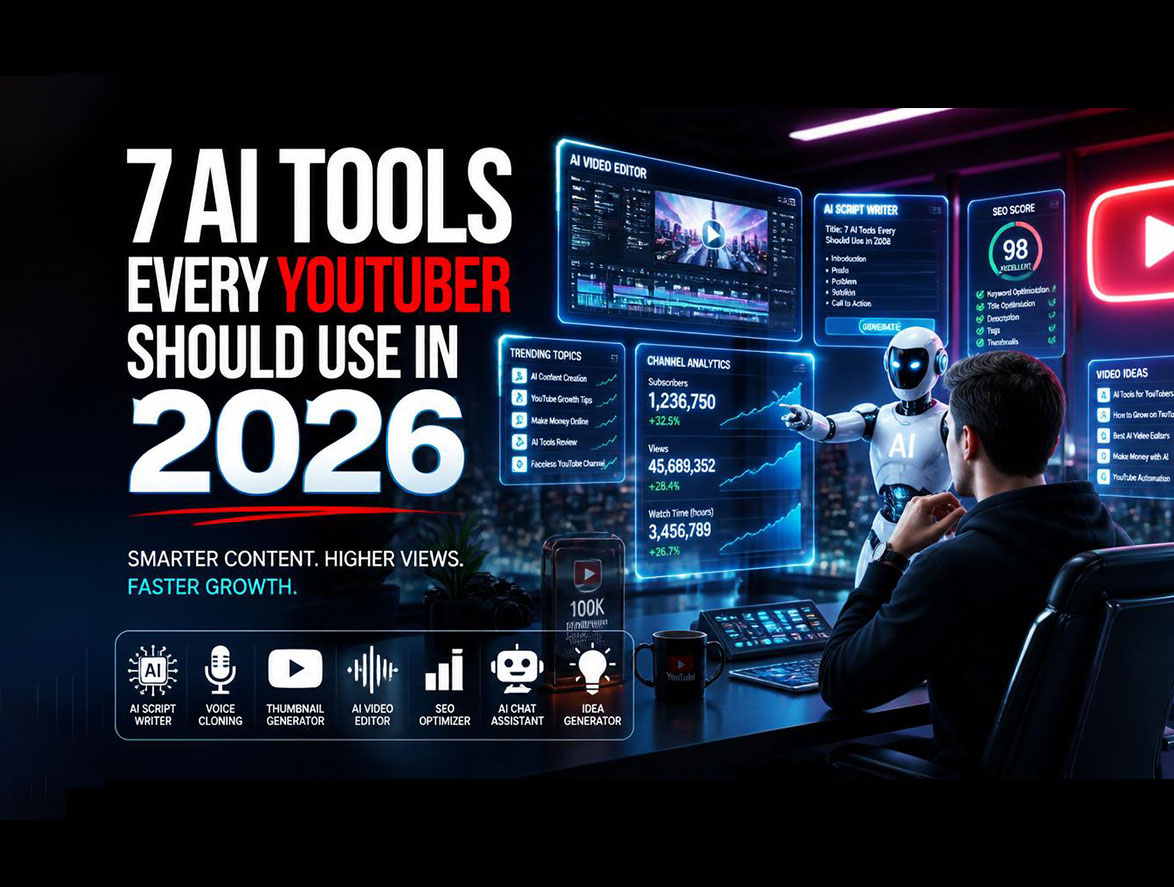
Here’s a breakdown of seven AI tools every serious YouTuber needs to know in 2026.
Why AI Is Non-Negotiable for YouTube Creators
You think YouTube is crowded now? It’s only getting busier. Thousands of new videos drop every single minute. Standing out is no joke.
That’s why you need AI on your side. It helps you:
- Pump out content faster
- Find killer ideas that actually work
- Polish your videos to a pro level
- Slash your editing time
- Stay consistent with uploads
- Lock in your style so people keep coming back
Honestly, there’s no reason to make it harder than it needs to be. Here are the tools changing the game.
1. ChatGPT – Your Script & Research Assistant
Still writing scripts from scratch? Typing out descriptions line by line? ChatGPT makes all that way faster.
Just toss your general idea at it, and it’ll spit out outlines, hooks, catchy titles, topic research—basically all the groundwork you need. No more staring at a blank Google Doc for two hours.
Use it for Scripts, brainstorming, channel ideas, SEO, and content plans.
2. ElevenLabs – Next-Level AI Voices
People can tell a cheap, robotic voiceover from a mile away. ElevenLabs nails ultra-realistic voice generation, so you sound human even if you never show your face.
It’s perfect for faceless channels or anyone who wants pro-level narration without hiring voice talent.
What Makes It Good?
- Natural-sounding voices
- Loads of accents and tones
- Lightning-fast voice generation
- Crisp, clean audio
Use it for: Tutorials, narration, explainer videos, or anywhere you need a strong voiceover.
3. Descript – Edit Video by Editing Text
Forget old-school timeline dragging. With Descript, you edit video the same way you edit a Google Doc—just cut and paste the transcript.
Screw up a line? Delete the sentence, and your video fixes itself.
Bonus features include:
- Auto-captions
- Noise removal
- Voice cloning
- Podcast editing
- Screen recording
Use it for talking-head videos, podcasts, interviews, or straight-up tutorials.
4. Opus Clip – Turn Long Videos into Short Gold
Want to go big on Shorts, TikTok, or Reels? Opus Clip takes your long videos, finds the highlights, and chops them into perfectly sized, eye-catching short clips.
You don’t have to waste time combing through footage Opus Clip handles it. It even tells you what’s likely to go viral.
Use it for: Repurposing your old content into high-performing Shorts with zero extra editing.
5. Midjourney – Thumbnails That Pop
Thumbnails are what get people to click—no pressure, right?
Midjourney uses AI to create custom, eye-grabbing images, so you’re never stuck with boring stock pictures. Your videos look unique, stand out in feeds, and get more clicks.
Use it for: Thumbnail backgrounds, concept art, illustrations, or even channel branding.
6. VidIQ – The Smart Way to Grow
Amazing video? Great. But if nobody sees it, what’s the point?
VidIQ is your wingman for all things SEO think keyword research, competition tracking, trend spotting, and optimization tips.
Forget guessing what videos people want; just follow the data.
Use it for: Ranking, content planning, metadata optimisation, and audience growth.
7. Runway – Wild AI Visuals & Next-Level Effects
Runway is kind of mind-blowing. Type in what you want, and it generates video sequences, visual effects, and even entire scenes.
If you’re into storytelling, tech content, or just want creative freedom without hiring a huge editing team, Runway is worth exploring.
Use it for: AI B-roll, visual storytelling, animation, and stunning special effects.
How Top Creators Combine These Tools
Real growth isn’t about using just one app it’s all about how you mix them.
Here’s a workflow that actually delivers:
- Start with ChatGPT for video ideas and full scripts.
- Turn that script into polished narration with ElevenLabs.
- Use Runway for custom visuals or effects.
- Edit your draft fast in Descript.
- Auto-make Shorts from main videos with Opus Clip.
- Design sharp thumbnails in Midjourney.
- Wrap it up by optimizing with VidIQ.
Simple as that, and you’ll slash your production time sometimes by half or more while making your channel look seriously professional.
Will AI Replace Creators?
Nope.
At the end of the day, the stories, creativity, personality, and audience connection have to come from you.
AI simply takes care of the busywork and helps you move faster.
If you want to win on YouTube in 2026, partner up with these tools and use them for what they’re best at.
Think of them as your backstage crew, not your competition.
Final Thoughts
Growing on YouTube without AI is becoming a self-imposed handicap.
These tools save you hours, increase your content output, and help maintain quality at scale.
If you’re feeling overwhelmed, start simple:
- ChatGPT for scripts
- VidIQ for SEO
- Descript for editing
As your channel grows, bring in ElevenLabs, Opus Clip, Midjourney, and Runway.
The future of YouTube belongs to creators who work smarter not just harder.
Frequently Asked Questions
What is the best AI tool for YouTube beginners?
ChatGPT is the best starting point because it helps with scriptwriting, research, planning, content ideas, and SEO.
Can I monetize videos made using AI?
Absolutely. As long as your videos are original, provide value, and follow YouTube’s monetization policies, AI-assisted content can be monetized.
Which AI tool works best for making YouTube Shorts?
Opus Clip is one of the most popular tools for automatically converting long-form content into engaging short-form videos.
Do successful YouTubers actually use AI?
Yes. Many top creators use AI for scripting, editing, thumbnail design, SEO optimization, content repurposing, and audience research.