
If you’ve tried posting YouTube Shorts regularly, you know how exhausting it can be. Between finding ideas, writing scripts, recording voiceovers, editing videos, and adding captions, the process quickly becomes overwhelming.
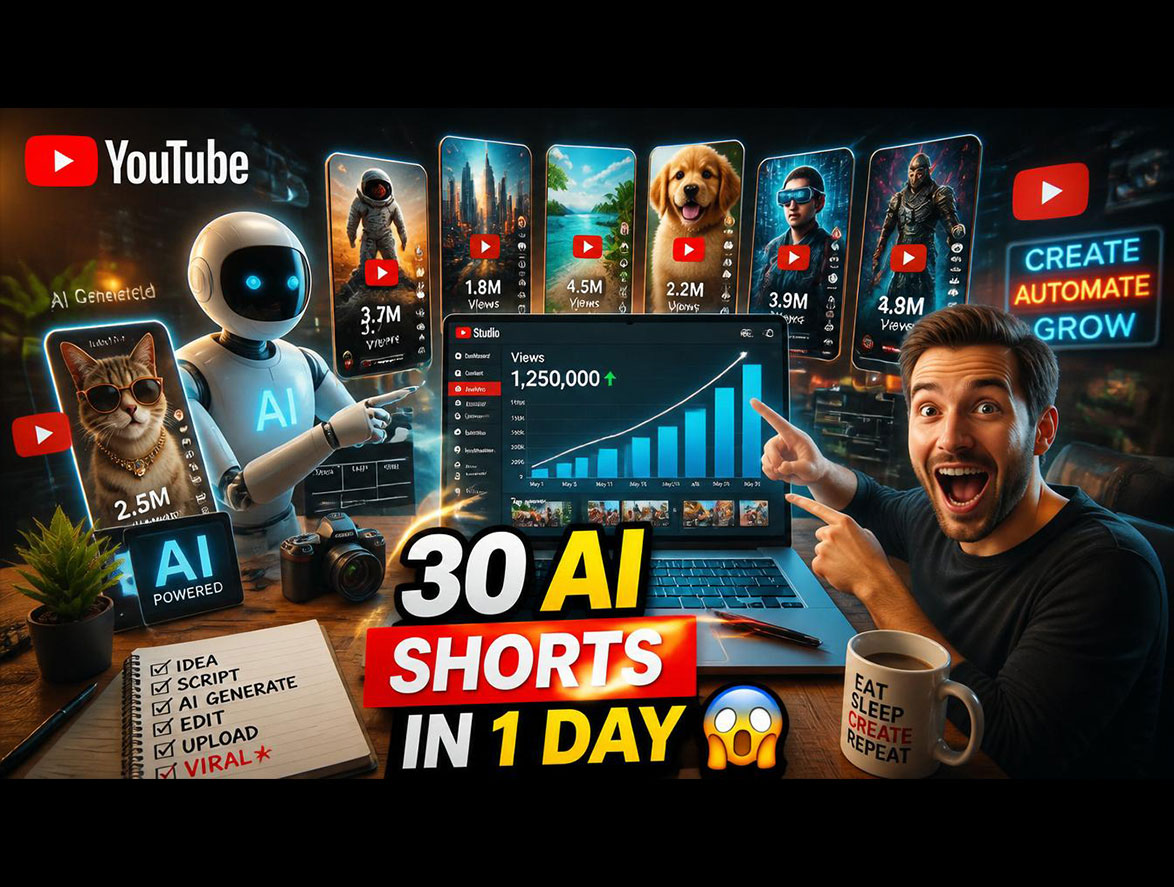
Instead of creating one video at a time, I decided to batch my workflow and challenge myself to produce 30 YouTube Shorts in a single day using AI. The goal wasn’t just to save time—it was to build a system that could consistently produce quality content without burnout.
Why Batch 30 Shorts in One Day?
Creating content daily can be stressful and difficult to sustain. By batching videos, you can:
- Reduce production time significantly
- Maintain a consistent upload schedule
- Prepare content weeks in advance
- Avoid repetitive editing tasks
- Run a faceless YouTube channel more efficiently
The AI Tools I Used
- ChatGPT – Script writing and brainstorming ideas
- Google Gemini – Research and fact checking
- ElevenLabs – AI-generated voiceovers
- CapCut – Video editing and automatic captions
- Canva – Graphics and visual elements
- Pexels – Free stock videos and B-roll footage
Step 1: Brainstorm 30 Video Ideas
Instead of spending hours thinking about topics, I used ChatGPT with a simple prompt:
Give me 30 YouTube Shorts ideas about AI tools for beginners. Each should have a strong hook and solve a common problem.
Within minutes, I had dozens of ideas ready to use, including:
- 3 AI Tools That Save 10 Hours Every Week
- The Best Free AI Video Generator for 2026
- AI Mistakes New Creators Make
- Can AI Replace Video Editors?
- Hidden ChatGPT Features Nobody Uses
Step 2: Write Scripts Quickly
To speed up production, every script followed the same structure:
- Hook (0–3 seconds)
- Main Value (4–25 seconds)
- Call to Action (26–35 seconds)
Using one consistent framework made it easy to generate scripts in bulk without getting stuck.
Step 3: Generate Voiceovers with AI
Recording voiceovers manually for 30 videos would have taken hours. Instead, I used ElevenLabs to convert every script into natural-sounding speech in a single batch.
This alone saved nearly two hours of production time.
Step 4: Download and Organize B-Roll
Visuals are crucial for keeping viewers engaged. I downloaded free clips from Pexels and organized them into folders such as:
- Technology
- Artificial Intelligence
- Business
- Productivity
- Office Setups
Having everything organized made editing much faster.
Step 5: Batch Edit Every Short
Rather than editing videos one by one, I completed each stage for all videos together:
- Import every voiceover
- Add matching B-roll footage
- Reuse the same editing template
- Generate captions automatically in CapCut
- Export all completed videos
This assembly-line approach dramatically improved efficiency.
What Didn’t Go Perfectly?
AI isn’t flawless. During production, I noticed:
- Some scripts sounded robotic.
- A few opening hooks weren’t engaging enough.
- Certain transitions felt disconnected.
- Some topics needed to be simplified for short-form content.
I manually reviewed every video and improved the first few seconds wherever necessary.
What I Learned
AI made the process much faster, but quality still depended on creativity and audience understanding. The biggest benefit was eliminating the daily stress of deciding what to publish.
AI works especially well for:
- Generating ideas
- Writing scripts
- Researching topics
- Creating voiceovers
- Adding captions
- Speeding up editing
Can You Really Make 30 Shorts in One Day?
Yes. By batching similar tasks together and using AI to automate repetitive work, producing a month’s worth of content in a single day is completely achievable.
The key is to focus on systems instead of creating every video from scratch.
Final Thoughts
Creating 30 YouTube Shorts in one day seemed impossible until I organized the workflow and leveraged AI effectively. By batching tasks and using the right tools, I saved countless hours while maintaining content quality.
If you run a faceless YouTube channel or want to stay consistent without burning out, this workflow can help you create more content with less effort.
Remember: success isn’t about publishing more videos—it’s about creating better videos efficiently.
Frequently Asked Questions
Can AI create YouTube Shorts automatically?
AI can generate scripts, voiceovers, captions, and assist with editing, but human review is still essential to ensure originality and quality.
Which AI tools are best for YouTube Shorts?
Many creators use ChatGPT, Google Gemini, ElevenLabs, CapCut, Canva, and Pexels to streamline their workflow.
Does this workflow work for faceless YouTube channels?
Yes. It is especially effective for creators who prefer not to appear on camera.
What is the ideal length for a YouTube Short?
Most successful YouTube Shorts are between 15 and 60 seconds long, depending on the topic and audience.